Public showcase
Overview
The Public Showcase feature in ApiShare provides customers with a customizable public space to present their APIs and related resources to an external audience. The content shown in this section is intended for illustrative purposes, providing an example of how APIs, documentation, FAQs, and contact information can be presented. The Public Showcase helps organizations promote their APIs and supporting materials to users who do not have direct access to the ApiShare platform.
Customers retain full control over what to make public: each API can be published or kept private at the customer’s discretion. The Showcase itself is fully customizable, both in terms of content and visual design, ensuring consistency with the organization’s branding and communication style.
Home page
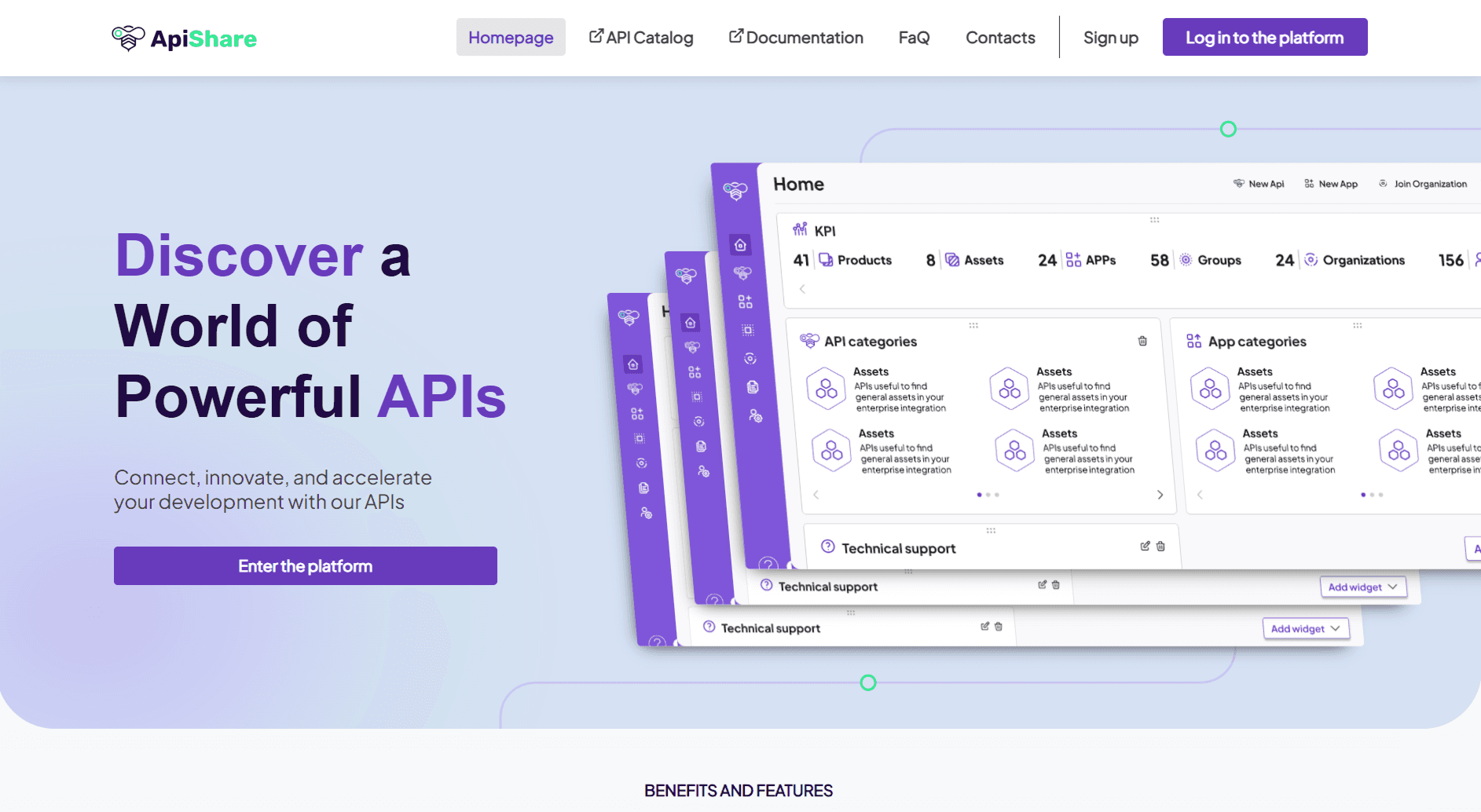
The Showcase home page provides an at-a-glance view of the content available to visitors. This may include highlights from the public API catalog, a preview of FAQs, general information banners, and calls-to-action (CTAs) linking to documentation or contact sections.
The type, amount, and placement of this content are entirely configurable by the customer.
API catalog
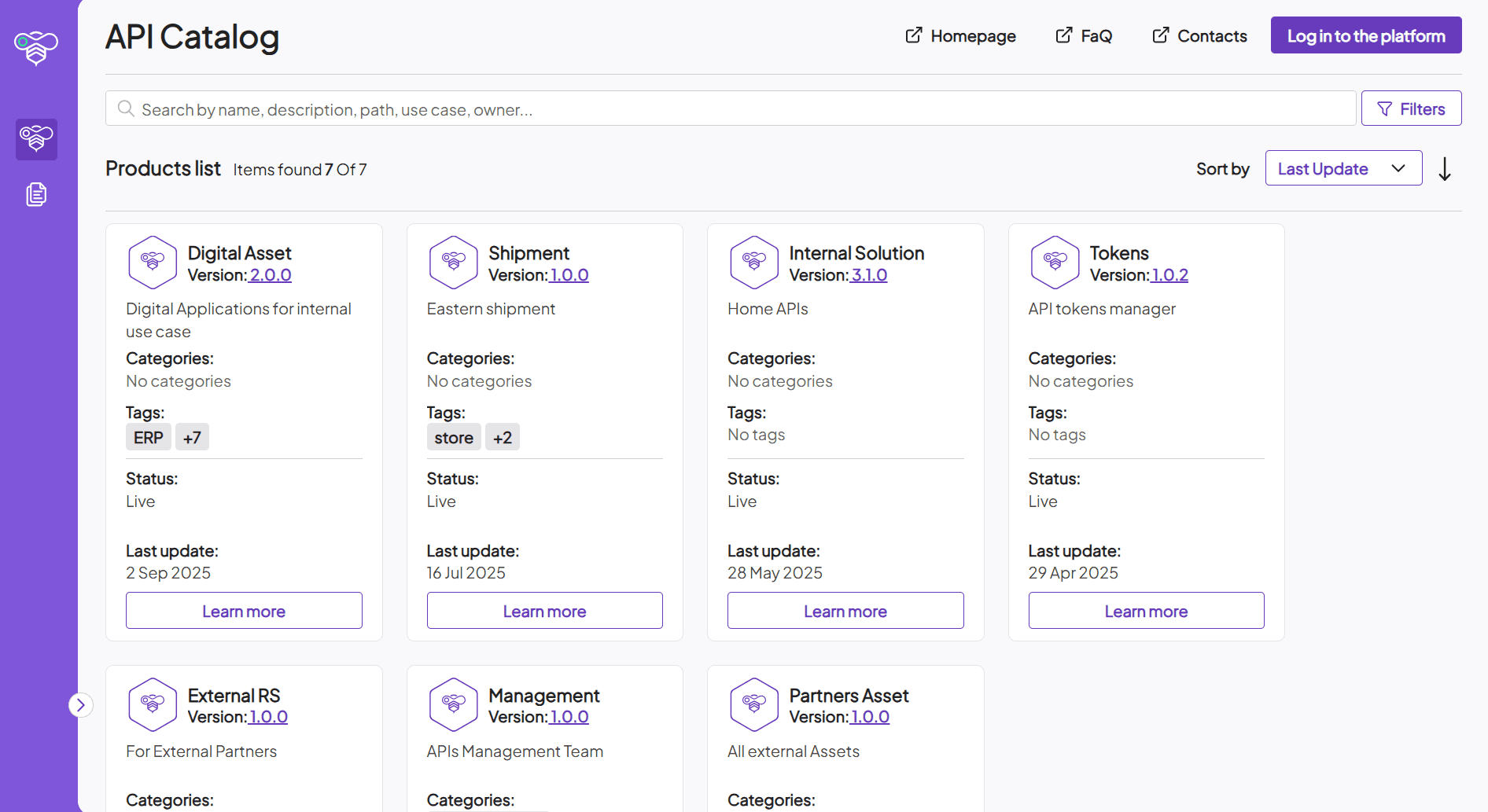
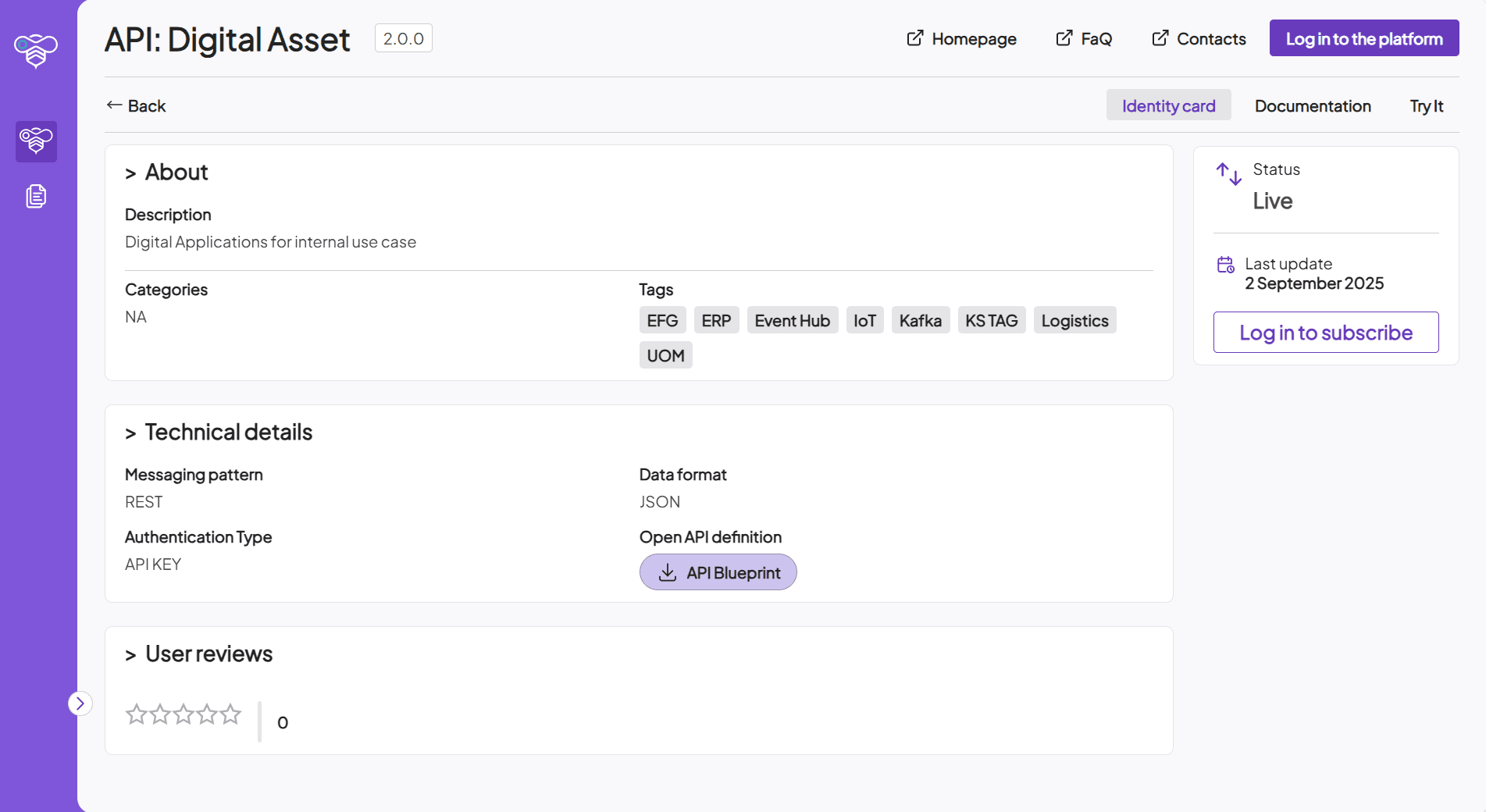
The API Catalog within the Public Showcase offers a simplified view of selected APIs from the platform. Each API is represented by an identity card, a compact version of the one found in the main platform, displaying only essential details.
Additional features include:
Try it (OpenAPI): Allows visitors to test the API by executing example calls directly from the showcase.
Documentation: Provides access to the API-specific documentation associated with the selected API.
This ensures that external users can quickly understand, test, and explore the APIs on display.
Documentation
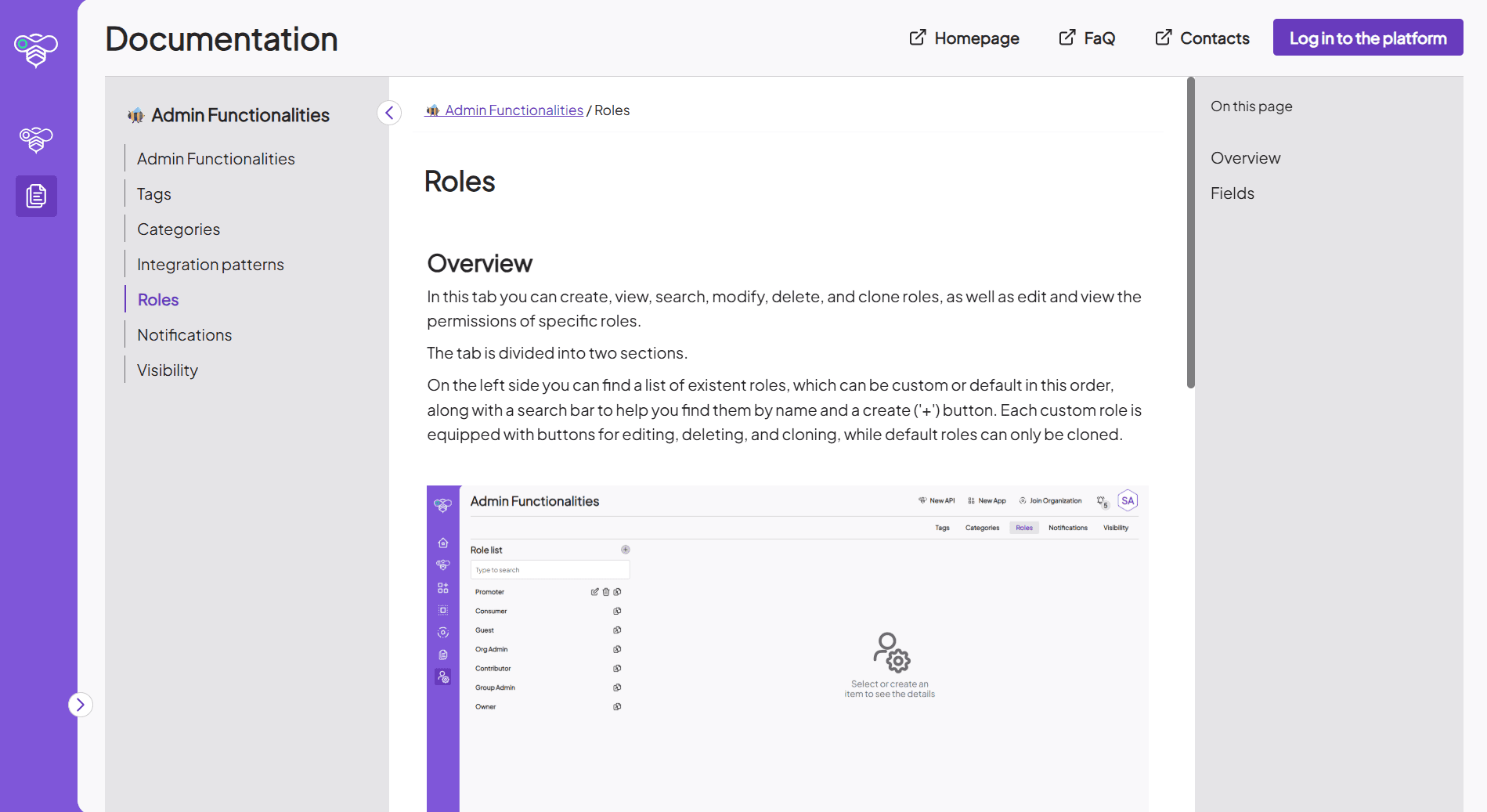
The Documentation section hosts general resources not tied to a specific API. Customers can decide which documents to make public, giving them flexibility in sharing knowledge while keeping sensitive content private.
The layout includes a left-hand navigation menu listing all available documents and a right-hand table of contents for the page currently in view. This structure supports clear navigation and quick access to relevant sections.
FaQ
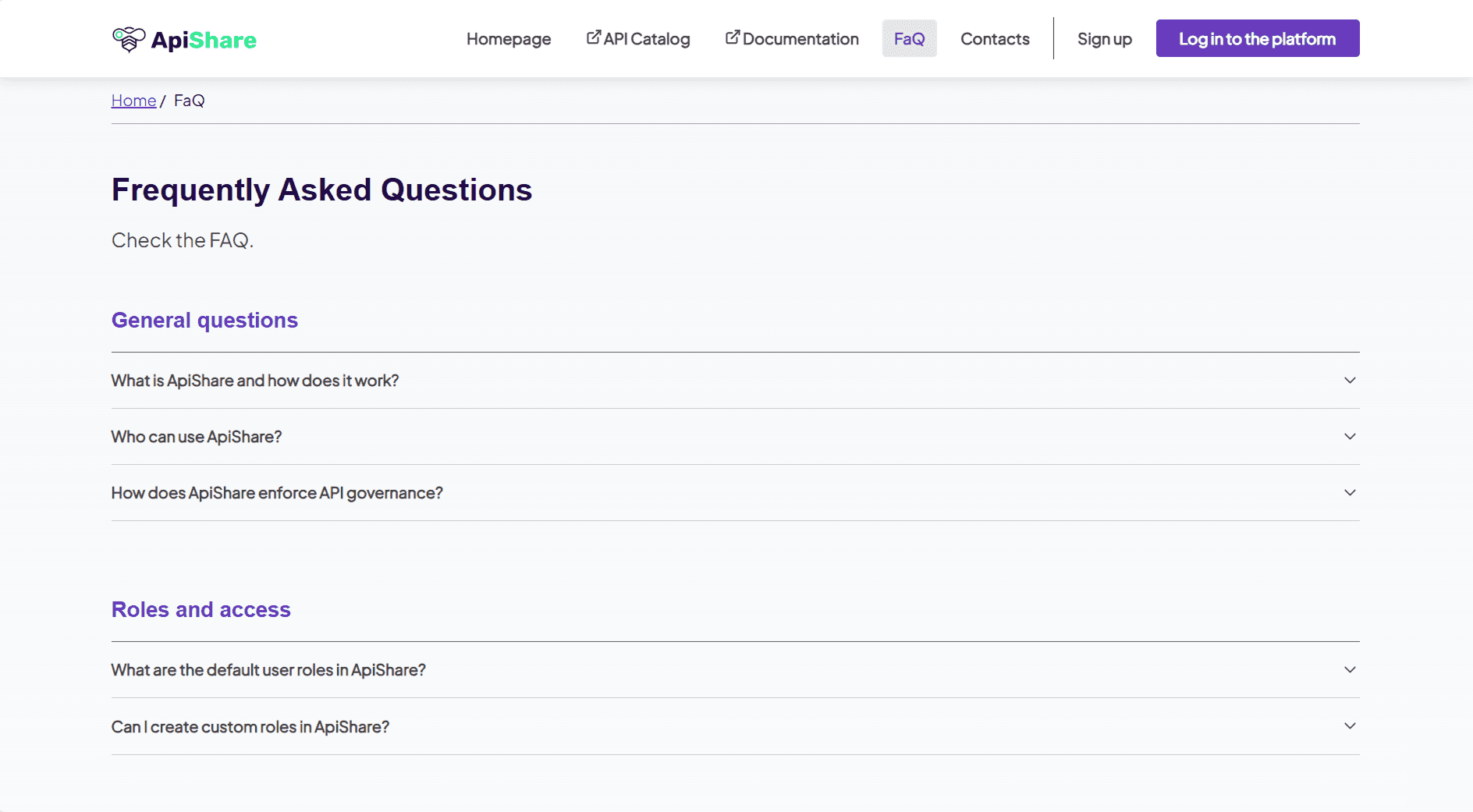
As with any public-facing website, the Showcase includes a Frequently Asked Questions (FAQ) section. Content is entirely customizable, allowing customers to address common questions and provide clarifications tailored to their audience.
Contacts
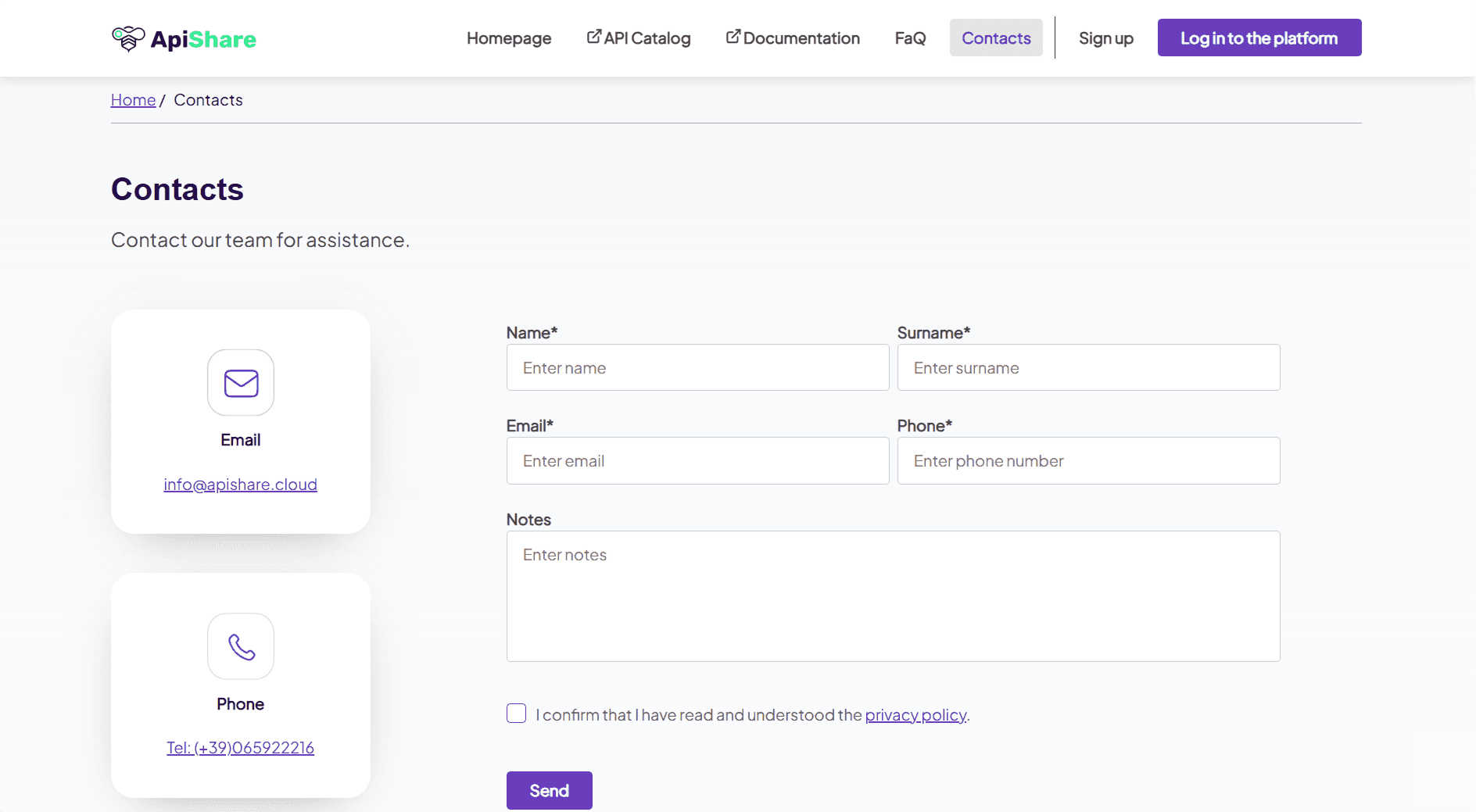
The Contacts section provides visitors with relevant contact information and includes a request form for additional inquiries. Customers can decide which contact details to make visible, ensuring that external users have a clear communication channel.
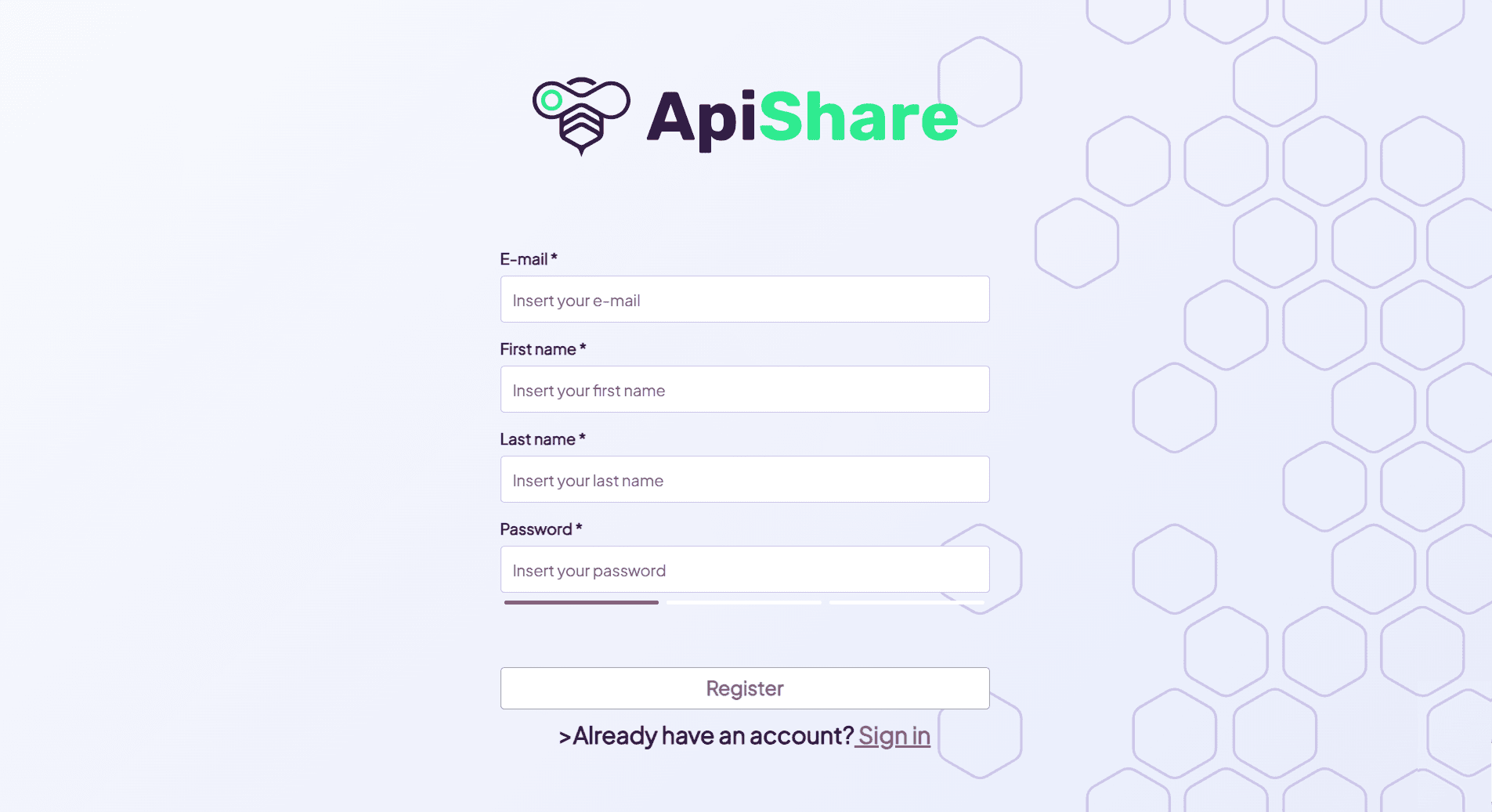
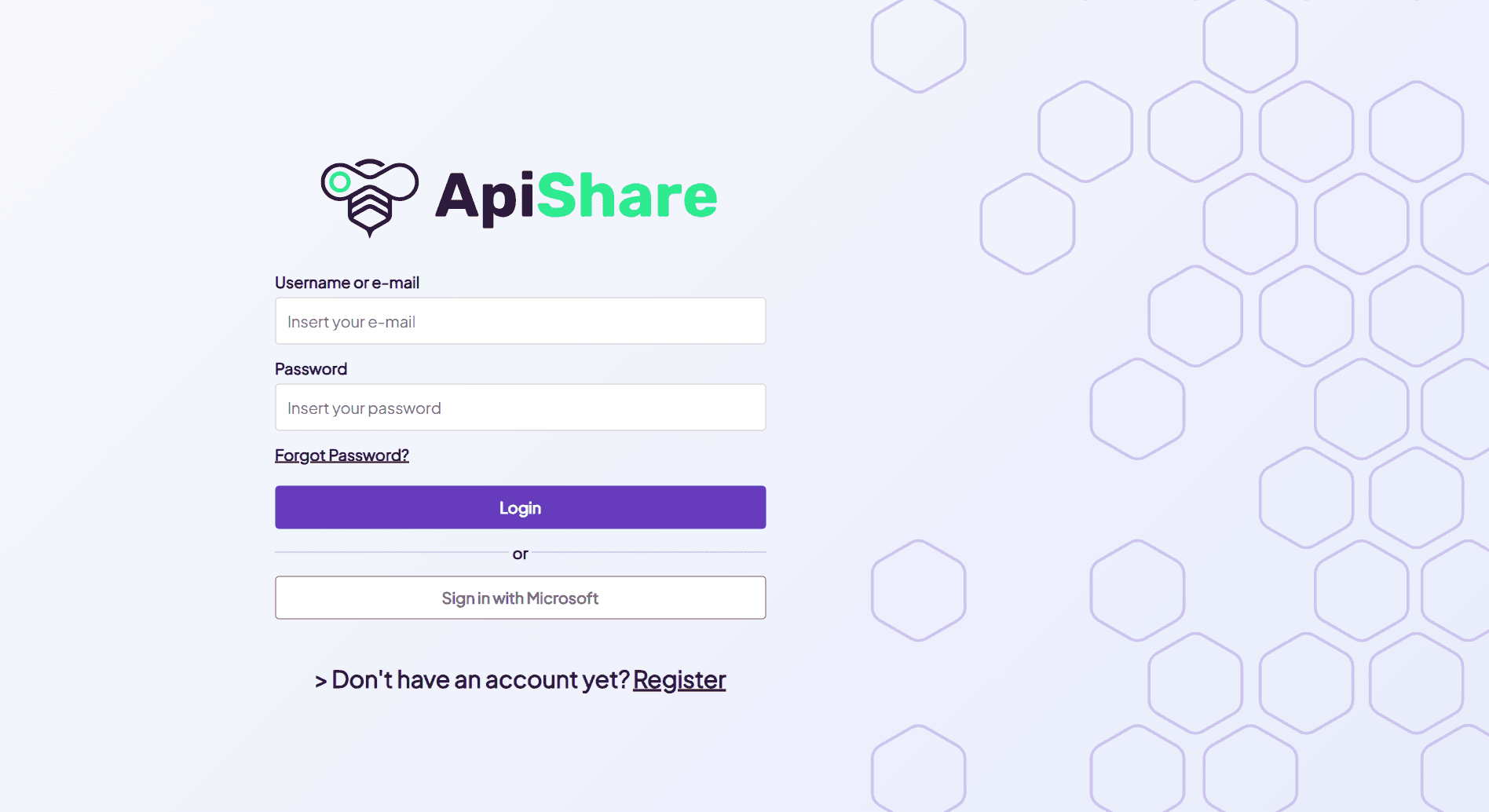
Sign up & Log in to the platform
The Showcase also provides quick access to the ApiShare platform itself. From the right-hand side of the navigation bar, visitors can use the Sign Up and Log In buttons to reach the authentication page. After completing the registration process and receiving the necessary permissions, users can begin working directly within ApiShare.